
Broker Setup
Guide
How to Create an Upstox App
Follow these simple steps to create your Upstox app and get your API credentials.
2
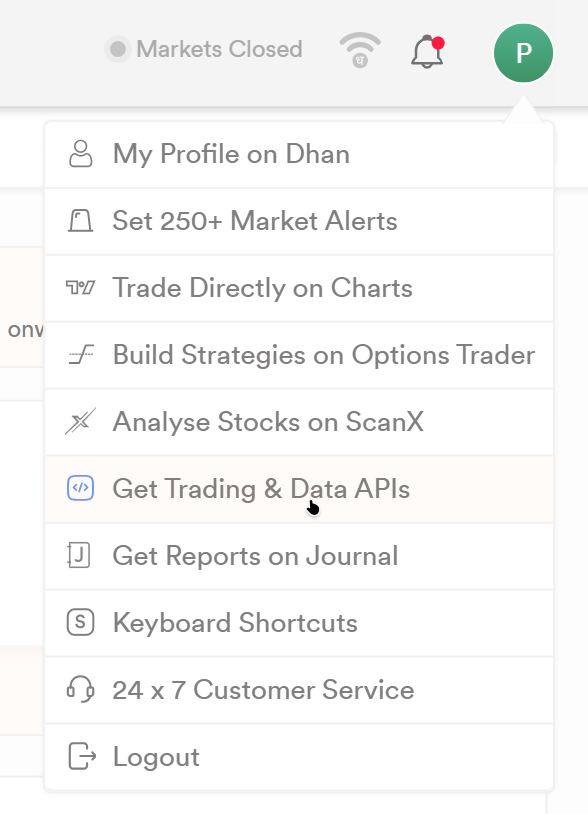
Open Profile Section
After logging in, you will land on your dashboard/profile page. Click on your profile icon at the top-right corner.

3
Enable App Creation
Find the option to create apps and toggle the slider/button to enable app creation.

4
Generate New App
Click on the "Generate" button. Fill in the required details:
- App Name: Choose any name (e.g., MyTradingApp)
- Redirect URL: Use the URL below
https://algodevstudio.in/
Click Generate.

5
Get API Credentials
Once the app is created, you will receive your API Key and API Secret Key.

Important Note
Keep these credentials secure. Do NOT share them publicly.
Done!
Your Dhan app is now ready. You can use these credentials to connect your trading system or automation tools.
Pro Tips
- Use separate apps for testing and production
- Never expose API keys in frontend code
- Store secrets securely using environment variables